Join the Minecraft Cup 2026 Coding Lab Team A Future City Where Everyone Shines! Innovate, Automate, and Create a beautiful, Minecraft world with Code! What is Minecraft Cup? The Minecraft Cup is an annual competition, created by Microsoft in 2019, that focuses on The United Nations Sustainable Development Goals and aims to allow students’ creativity to come alive as they develop Minecraft worlds that are in line with these goals. Coding Lab has been mentoring teams since the very beginning. Our focus is helping kids organize and plan their worlds and use code to build as much of the world as they can! In collaboration with our sister campus, Coding Lab […]
Comprehensive game design education combining creative principles with programming skills. Learn game mechanics, visual design, UI creation, playtesting methodology, and collaborative development in coding lab environments.
Master Godot, the free open-source game engine with node-based architecture and Python-like GDScript. Create 2D/3D games, develop cross-platform projects, and learn transferable programming skills with community support.

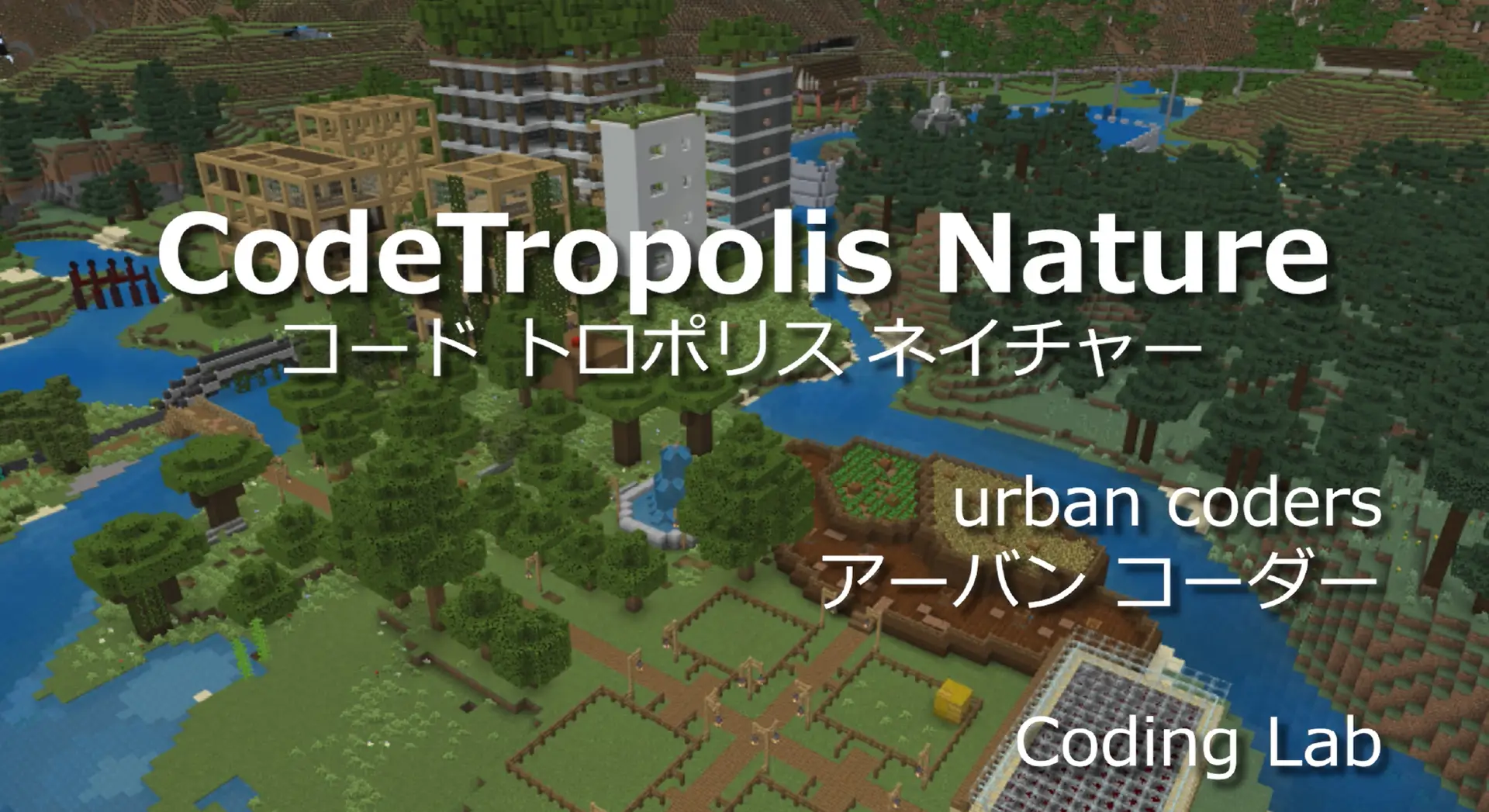
Congratulations! The Coding Lab Team won the Minecraft Cup Programming Award!
/*! elementor – v3.21.0 – 08-05-2024 */ .elementor-heading-title{padding:0;margin:0;line-height:1}.elementor-widget-heading .elementor-heading-title[class*=elementor-size-]>a{color:inherit;font-size:inherit;line-height:inherit}.elementor-widget-heading .elementor-heading-title.elementor-size-small{font-size:15px}.elementor-widget-heading .elementor-heading-title.elementor-size-medium{font-size:19px}.elementor-widget-heading .elementor-heading-title.elementor-size-large{font-size:29px}.elementor-widget-heading .elementor-heading-title.elementor-size-xl{font-size:39px}.elementor-widget-heading .elementor-heading-title.elementor-size-xxl{font-size:59px} Congratulations! The Coding Lab Team won the Minecraft Cup Sustainable City Development Award! /*! elementor – v3.21.0 – 08-05-2024 */ .elementor-column .elementor-spacer-inner{height:var(–spacer-size)}.e-con{–container-widget-width:100%}.e-con-inner>.elementor-widget-spacer,.e-con>.elementor-widget-spacer{width:var(–container-widget-width,var(–spacer-size));–align-self:var(–container-widget-align-self,initial);–flex-shrink:0}.e-con-inner>.elementor-widget-spacer>.elementor-widget-container,.e-con>.elementor-widget-spacer>.elementor-widget-container{height:100%;width:100%}.e-con-inner>.elementor-widget-spacer>.elementor-widget-container>.elementor-spacer,.e-con>.elementor-widget-spacer>.elementor-widget-container>.elementor-spacer{height:100%}.e-con-inner>.elementor-widget-spacer>.elementor-widget-container>.elementor-spacer>.elementor-spacer-inner,.e-con>.elementor-widget-spacer>.elementor-widget-container>.elementor-spacer>.elementor-spacer-inner{height:var(–container-widget-height,var(–spacer-size))}.e-con-inner>.elementor-widget-spacer.elementor-widget-empty,.e-con>.elementor-widget-spacer.elementor-widget-empty{position:relative;min-height:22px;min-width:22px}.e-con-inner>.elementor-widget-spacer.elementor-widget-empty .elementor-widget-empty-icon,.e-con>.elementor-widget-spacer.elementor-widget-empty .elementor-widget-empty-icon{position:absolute;top:0;bottom:0;left:0;right:0;margin:auto;padding:0;width:22px;height:22px} Sustainable City Development Award! https://minecraftcup.com/2333/ /*! elementor – v3.21.0 – 08-05-2024 */ .elementor-widget-image{text-align:center}.elementor-widget-image a{display:inline-block}.elementor-widget-image a img[src$=”.svg”]{width:48px}.elementor-widget-image img{vertical-align:middle;display:inline-block} /*! elementor – v3.21.0 – 08-05-2024 */ .elementor-widget-image-carousel .swiper,.elementor-widget-image-carousel .swiper-container{position:static}.elementor-widget-image-carousel .swiper-container .swiper-slide figure,.elementor-widget-image-carousel .swiper .swiper-slide figure{line-height:inherit}.elementor-widget-image-carousel .swiper-slide{text-align:center}.elementor-image-carousel-wrapper:not(.swiper-container-initialized):not(.swiper-initialized) .swiper-slide{max-width:calc(100% / var(–e-image-carousel-slides-to-show, 3))}
Please join to Minecraft Cup Team Please create student account if you don’t have 日本国内の学校に通っている方はこちらのページから登録してください。 Tips on translating Japanese page to English Since all the pages are written in Japanese, using a web browser translator is convenient. Microsoft EdgeThe Microsoft Edge browser (built on the Chromium engine) has a built-in translator. Click on the translate icon in the address bar. ChromeInstall “Google translation” extension. Google Translation Extension How to Install Manage Extensions Joining Coding Lab Team in https://minecraftcup.com login to https://minecraftcup.com Open dashboard Click on Team Information from menu click on join the team from team building add [secret number] that we shared click on join the team Please use secret code ASAP The […]
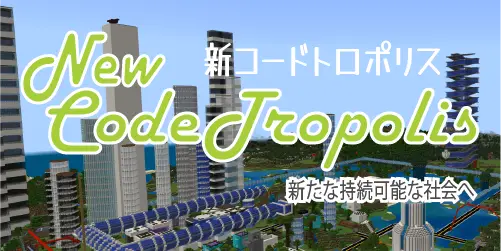
Congratulations! The Coding Lab Team won the Minecraft Cup Creativity Award! Creativity Award “Award given to a creative world that makes full use of programming.” クリエイティブ賞: プログラミングを駆使したクリエイティブなワールドに贈られる賞 Team Video of Project: https://youtu.be/DxX7agHSvNM Team Presentation: https://youtu.be/YWpOitxjvIo Final Event: Top 20 Teams: https://youtu.be/hE_RIIZgGAw?t=6824
Note: Please make a separate reservation for each child. Google AI Contest 2021 Select Meeting Select Date (July) from calendar Select Time Add your email address and your child name Click BOOK to receive email Please let us know if you have any questions.
日本語 App Inventor Setup Preparing for Class Programming Language Google Gmail account Android devices Software Emulator (optional) Textbook Programming Language/Platform App Inventor is a web based programming language, so students do all their coding via the web browser. Note, Google Chrome and the Microsoft Edge (based on Chromium) work best. https://appinventor.mit.edu/ Google Gmail Account App Inventor requires a Google Account. This lets students log in to the App Inventor site and save all of their projects in the cloud. Note, this Google account cannot be part of Google’s Family Link. If students do not have an existing Google account, please create one before the start of class.https://www.google.com/gmail/ On the […]
Refer-a-friend Program If you refer a friend and they sign up for a class at Coding Lab Japan, both you and your friend will receive a 1,000 yen coupon for your next class. Please inform us when your friend signs up and we will issue a coupon. Coupons are valid for 3 months. 1 coupon can be used per purchase. Contact for inquiries please email info@codinglab.jp