Coding and Robotics Club @ YMCA 2026-2027

Coding Club
by Coding Lab

@YMCA International School

Come join the after-school club and learn how to code games and robots!

What do kids do in the Coding & Robotics Club?

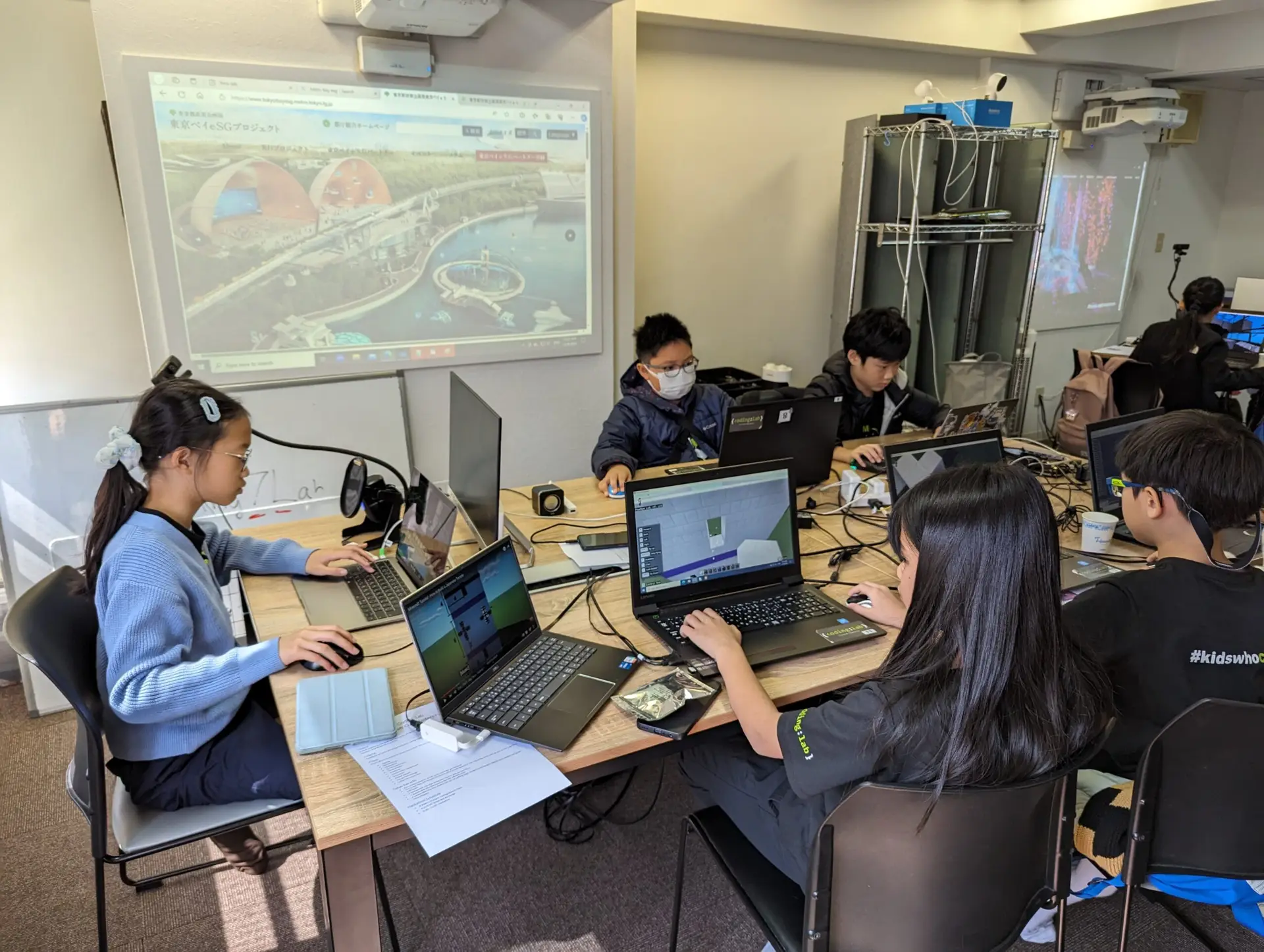
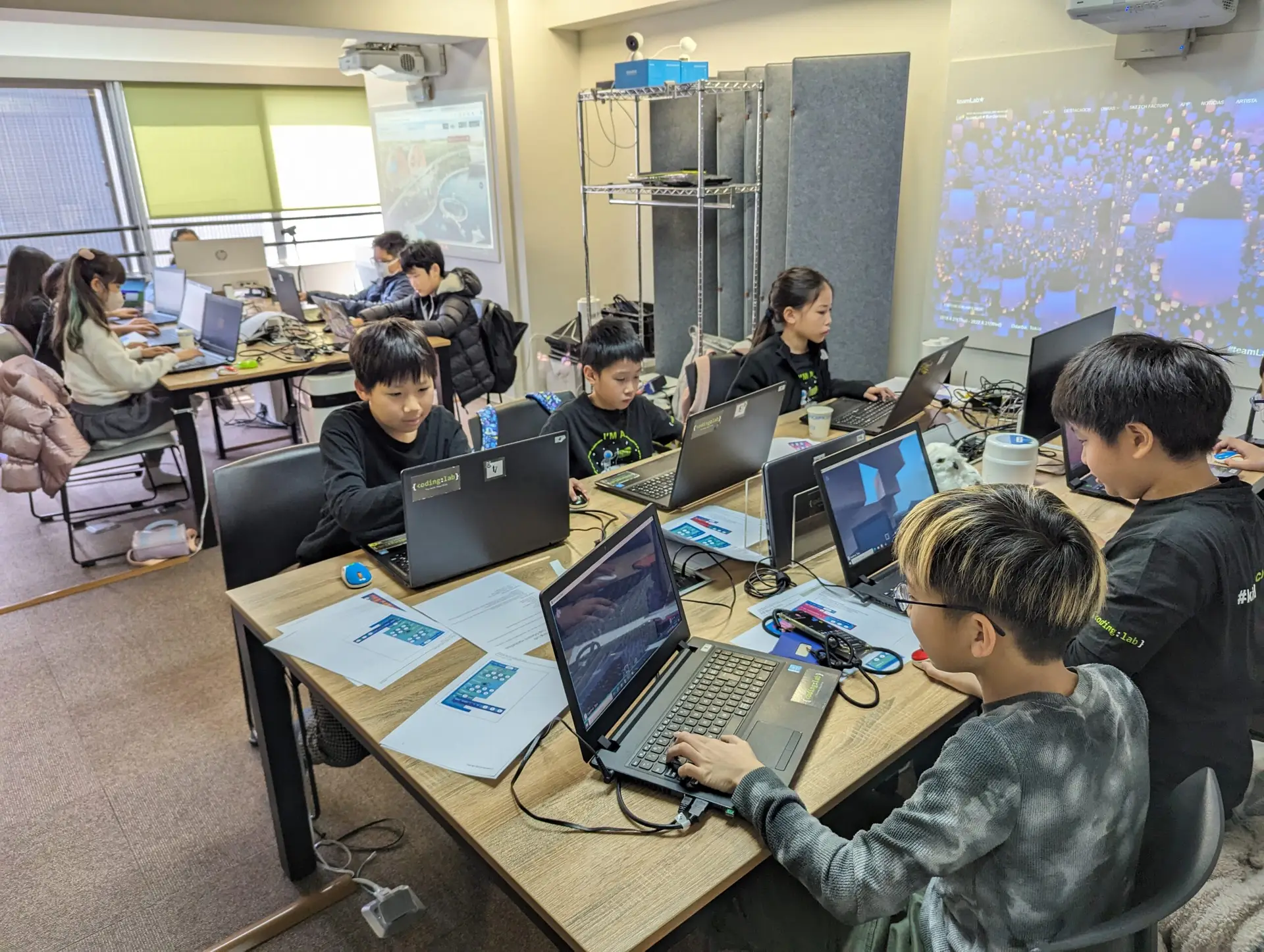
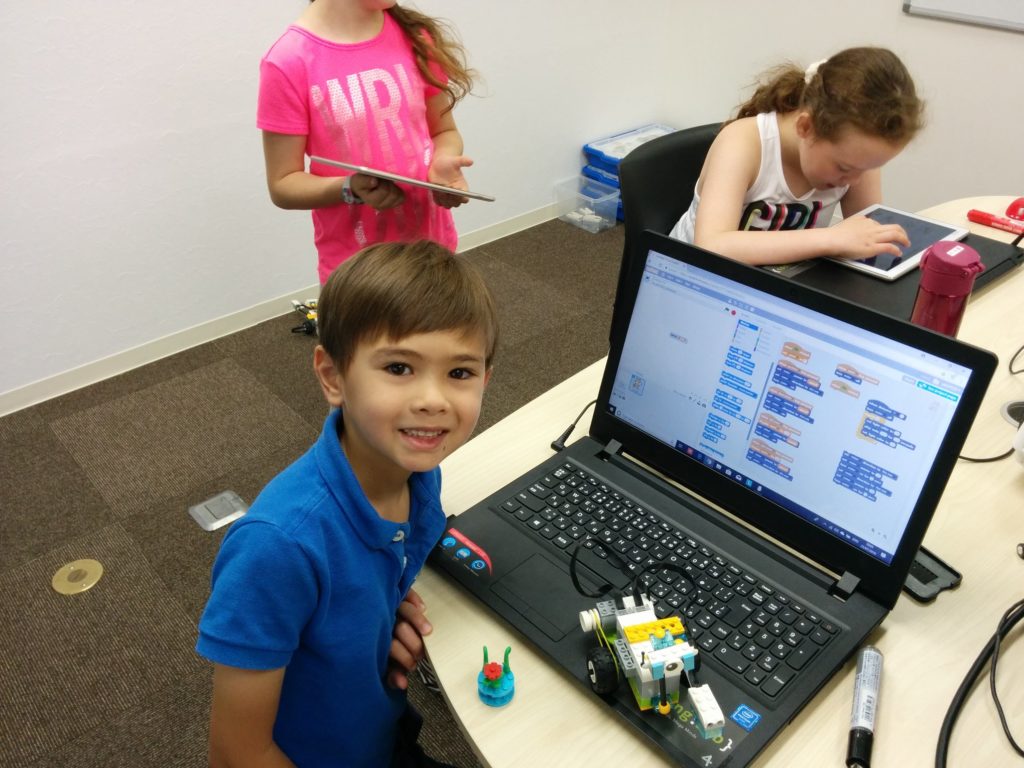
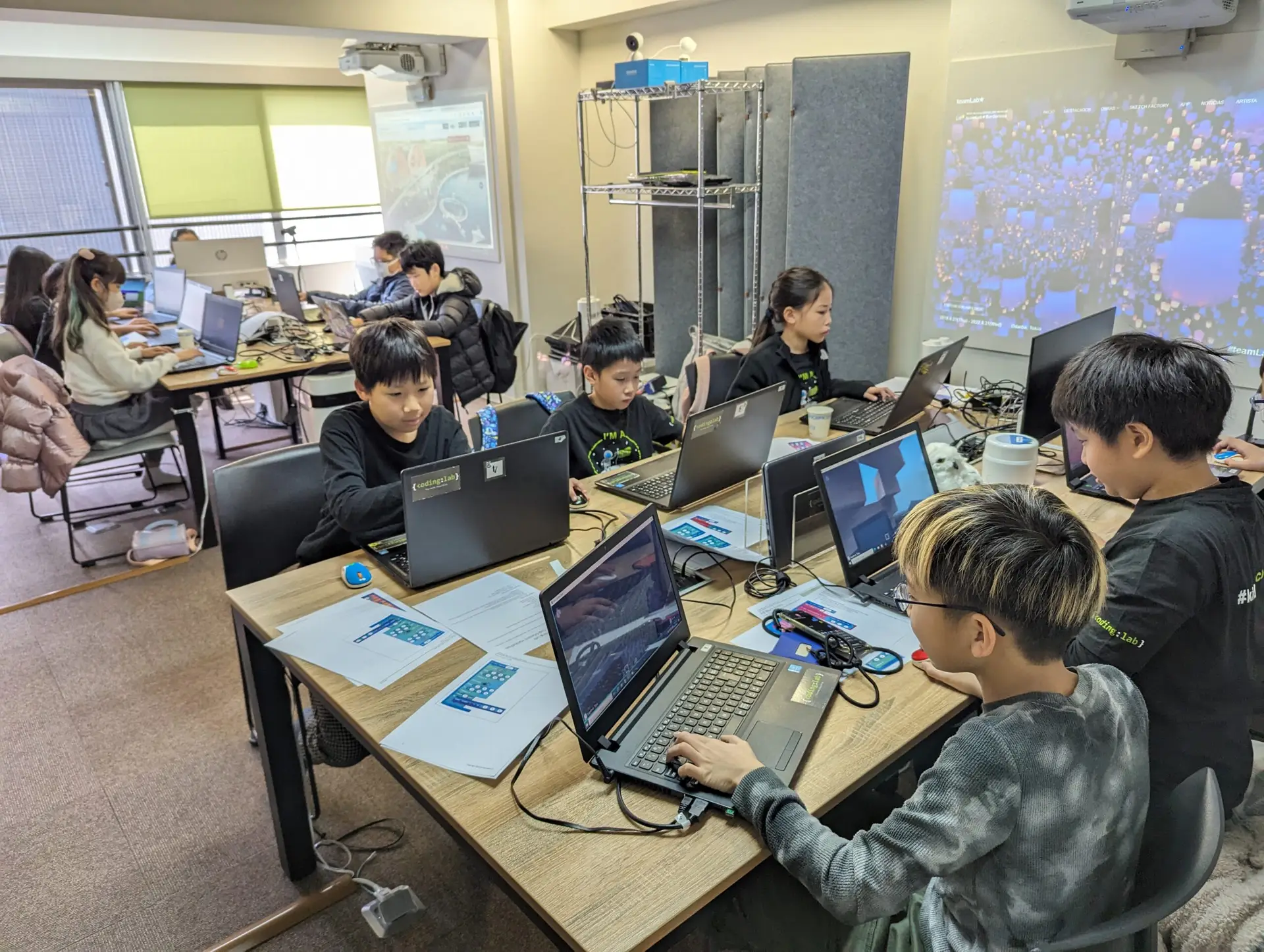
In the Afterschool Coding and Robotics Club, kids learn how to code:

  • Computers
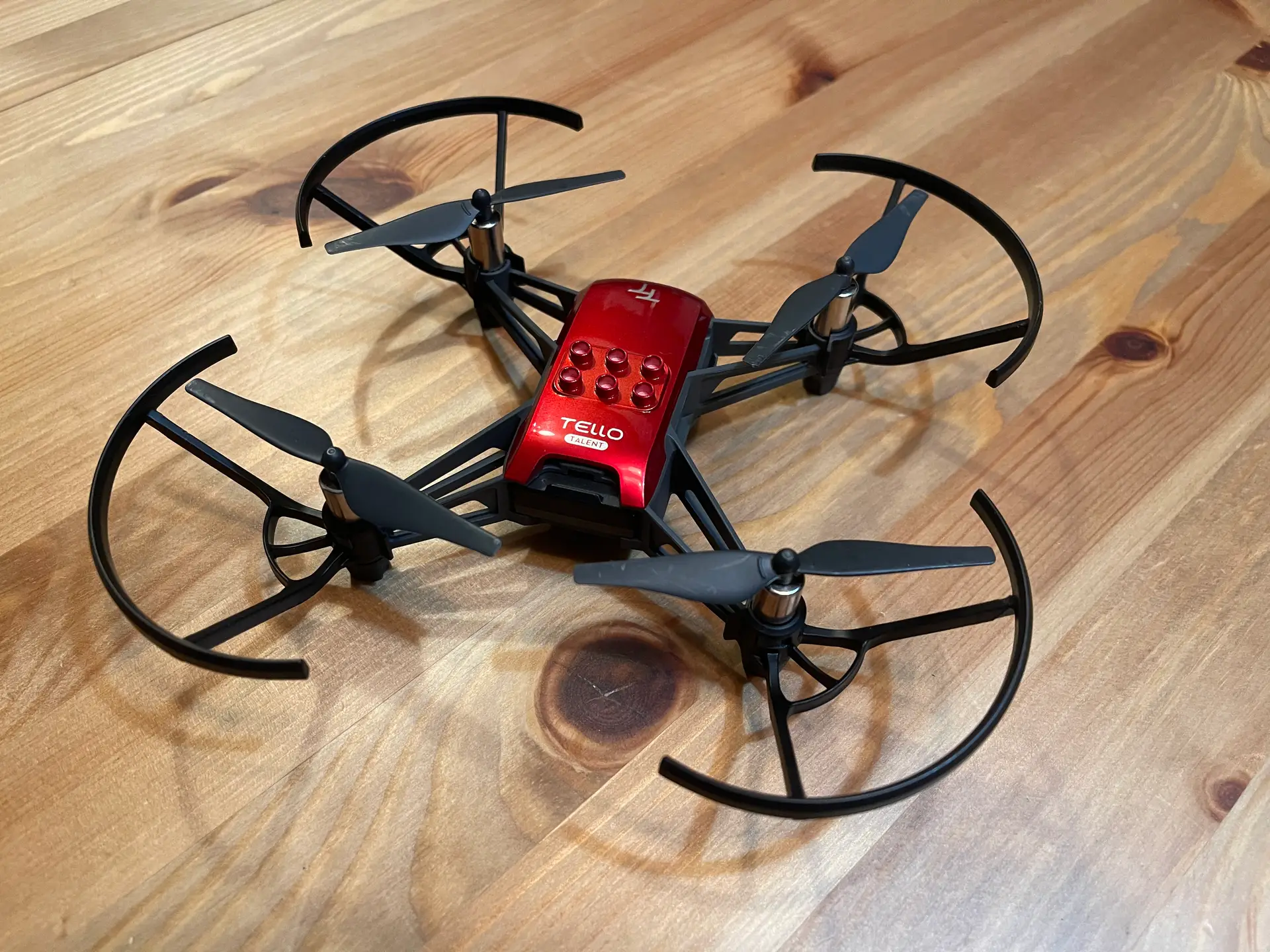
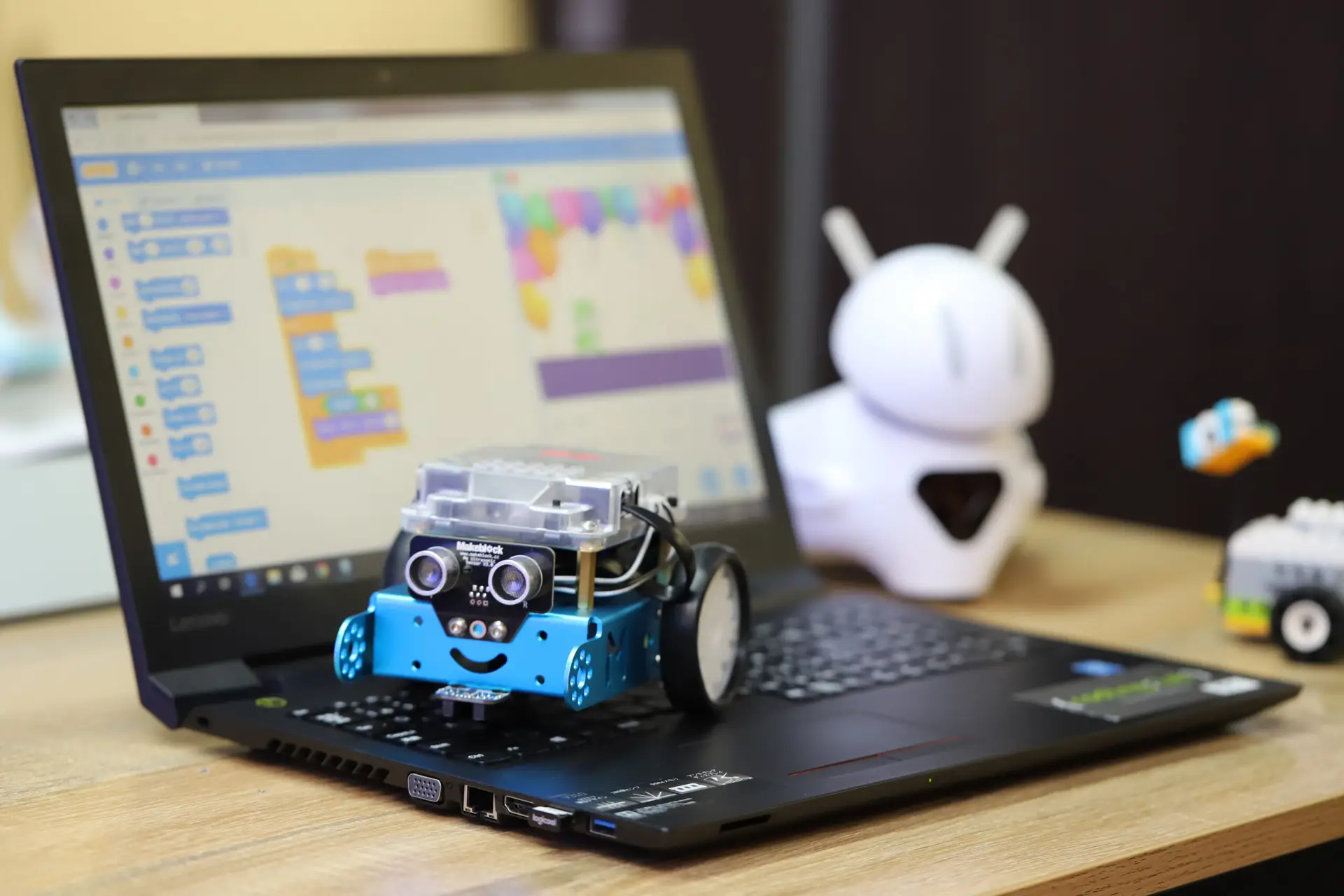
  • Robots
  • Games
  • Micro controllers (micro:bits) (Age 7+)
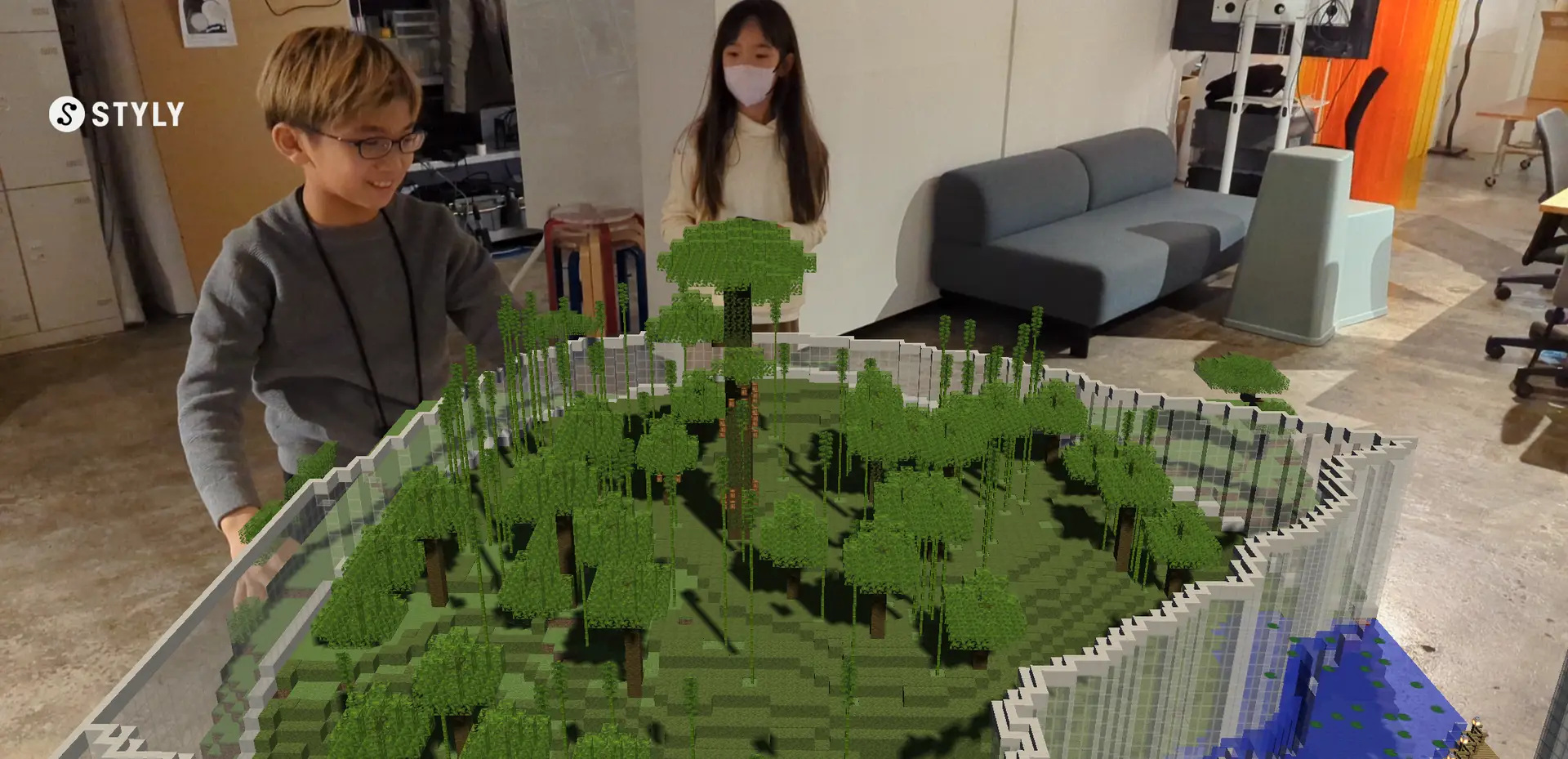
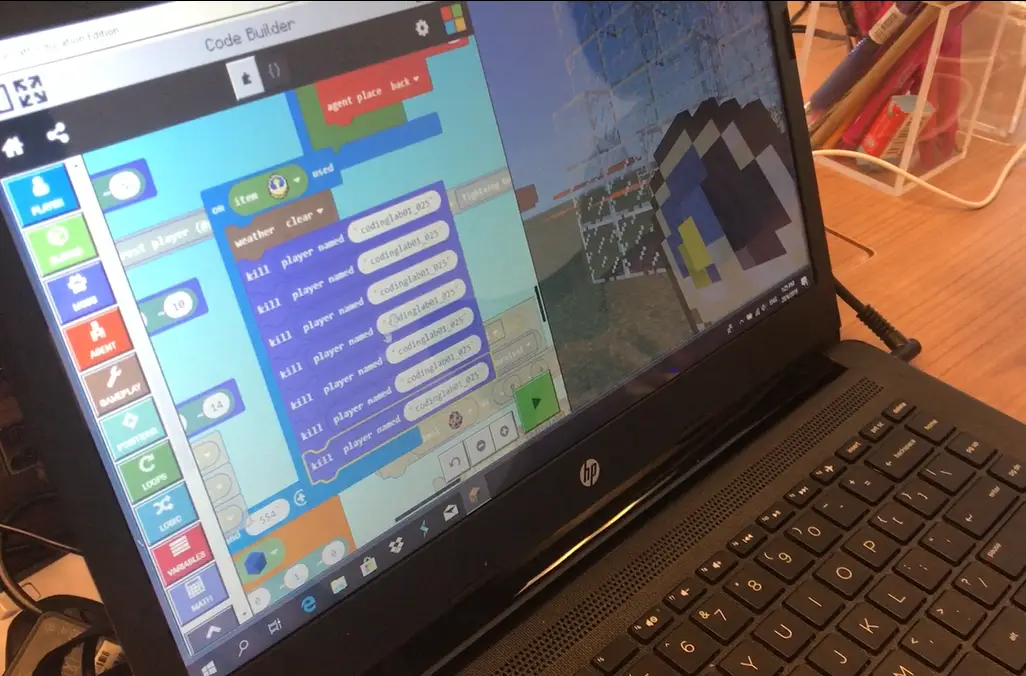
  • Minecraft Education (Age 7+)
  • AI, Art Projects, Creative Interactive Stories, and more!
 

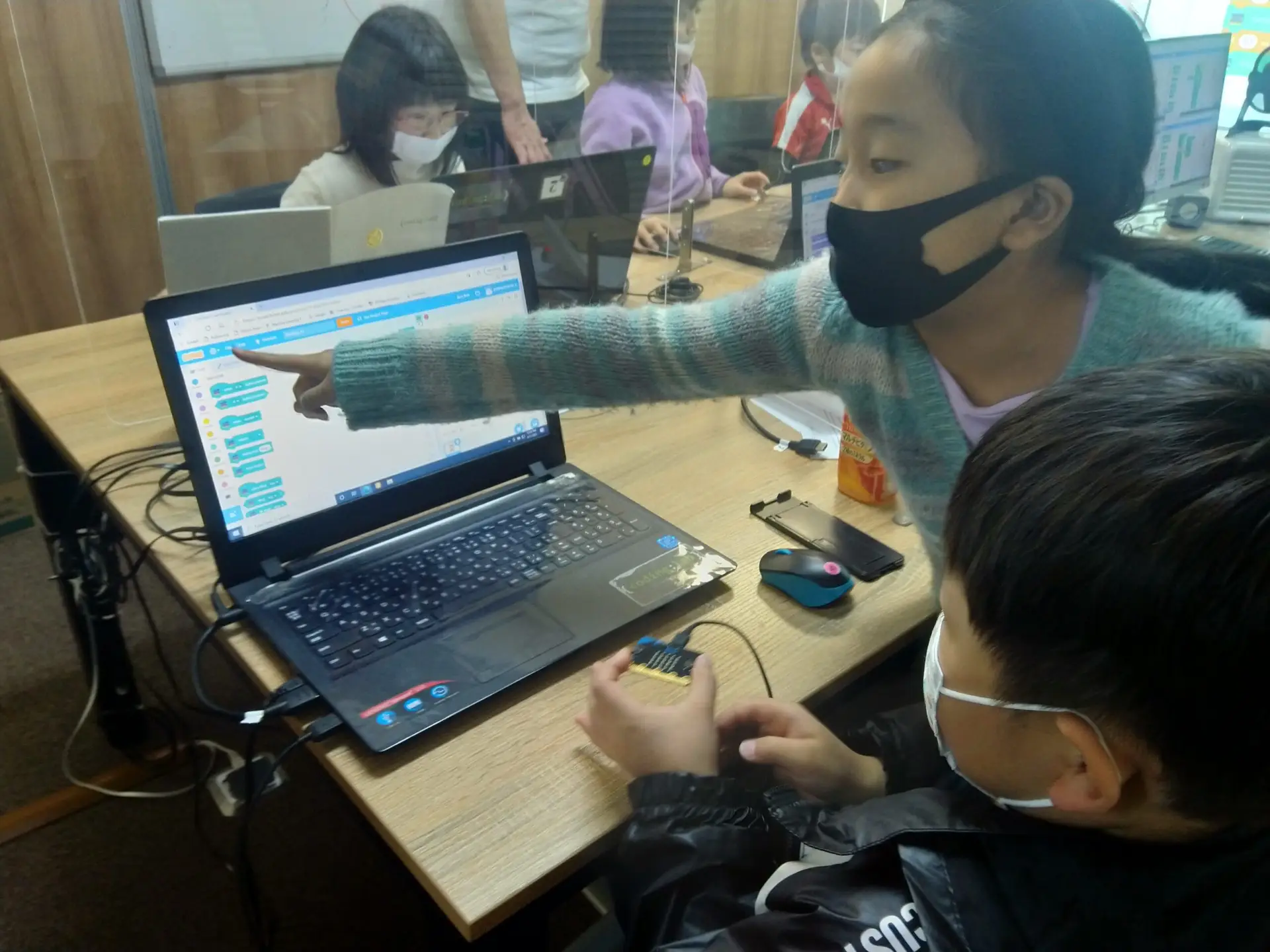
All students learn fundamental computer science concepts, computational thinking, and problem-solving skills in a fun and active learning environment.

And have fun!

Age 5-6

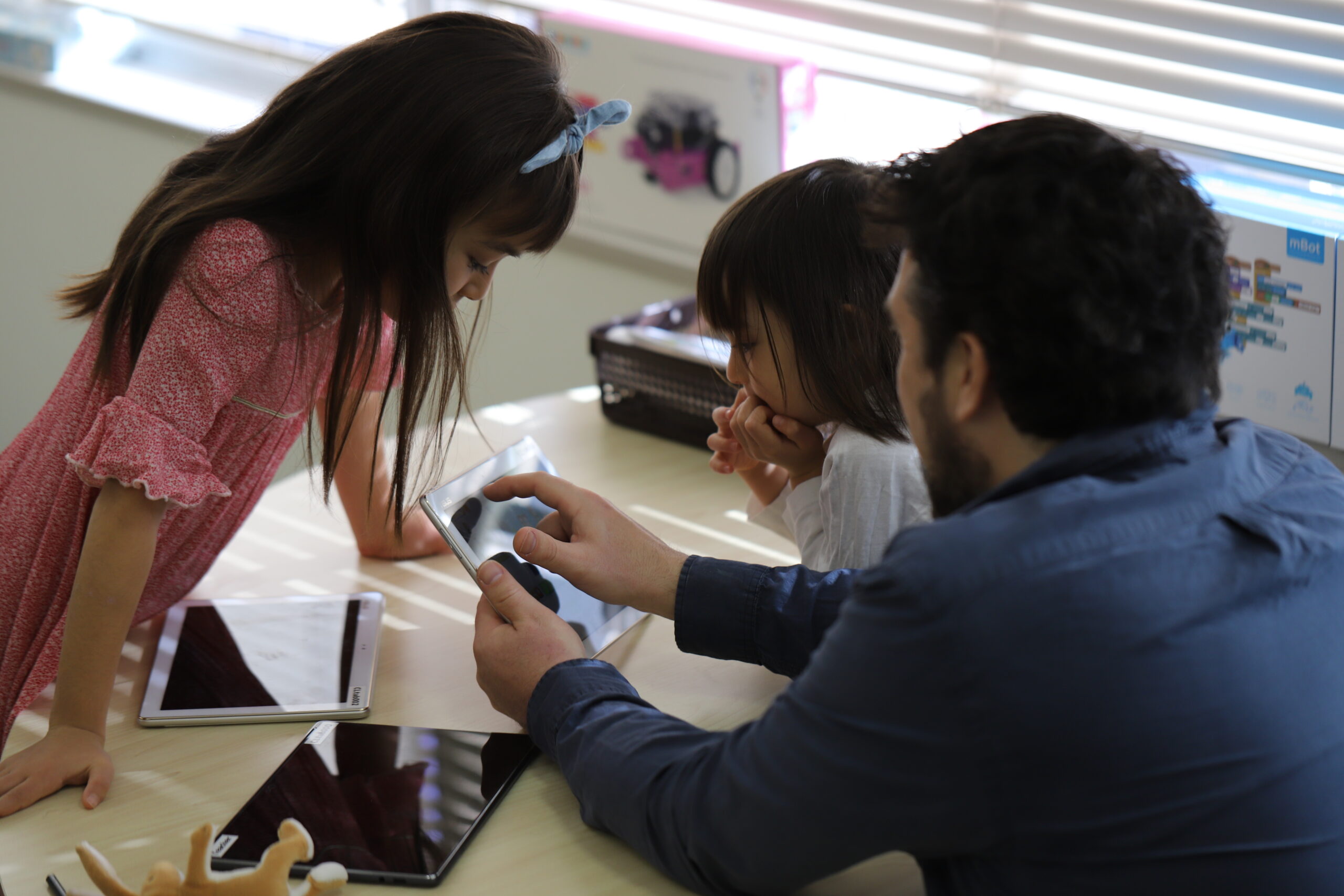
Kids learn the basics of coding using Scratch Jr. and robots.  Kids code games, art projects, stories, and more!
Age 7-9

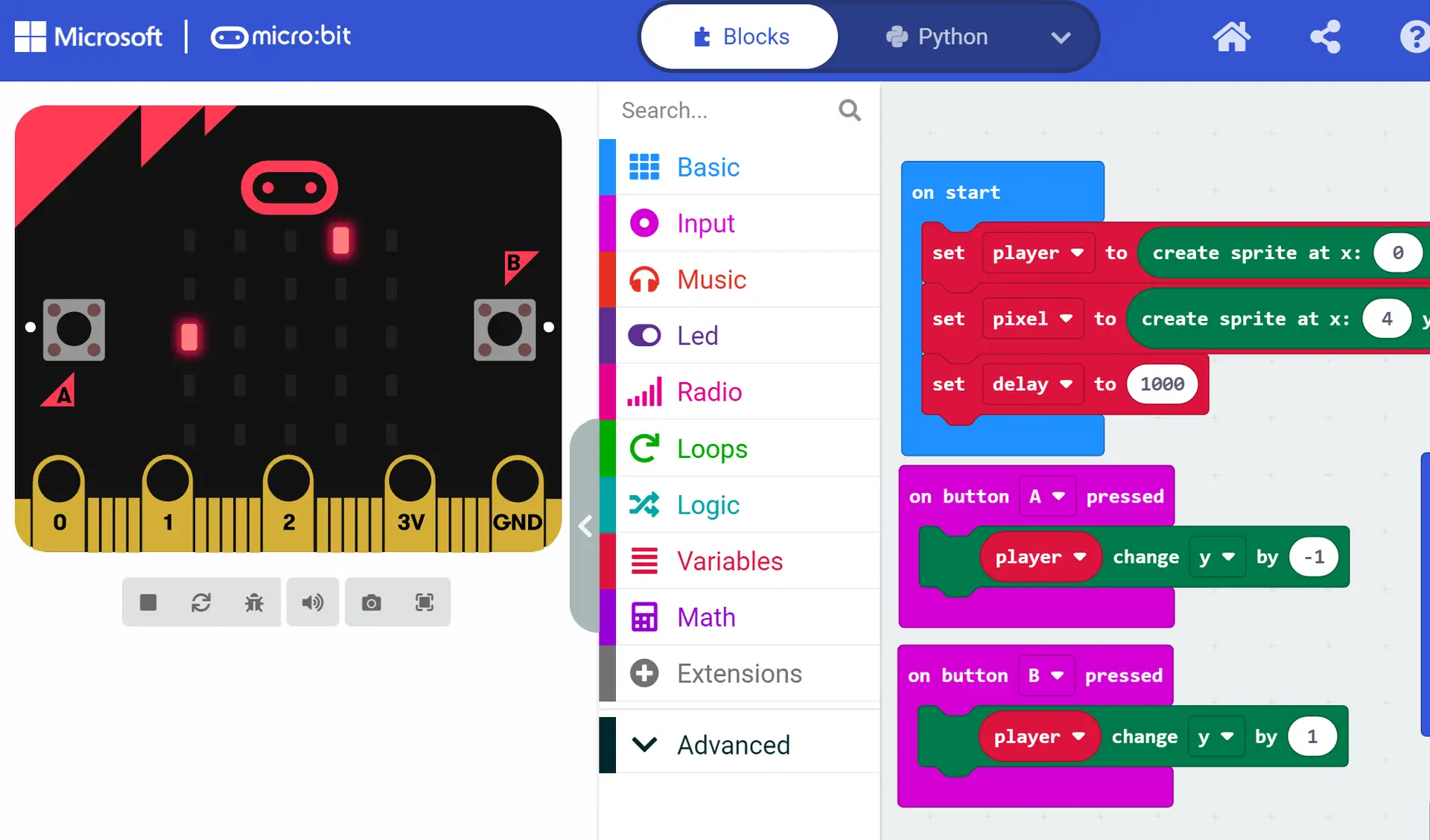
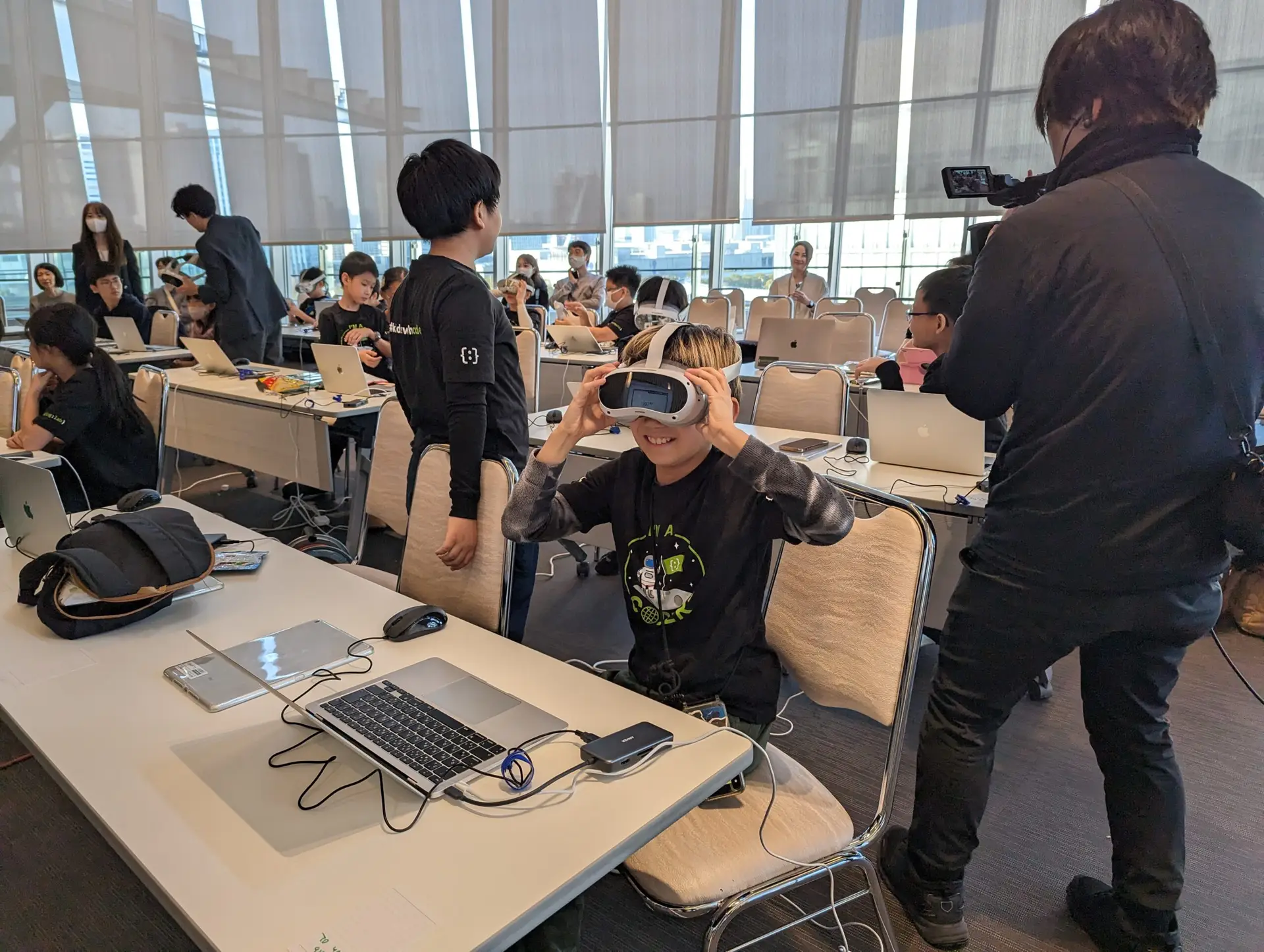
Students learn a variety of block-based programming languages, such as Scratch & Microsoft MakeCode.

Age 10+

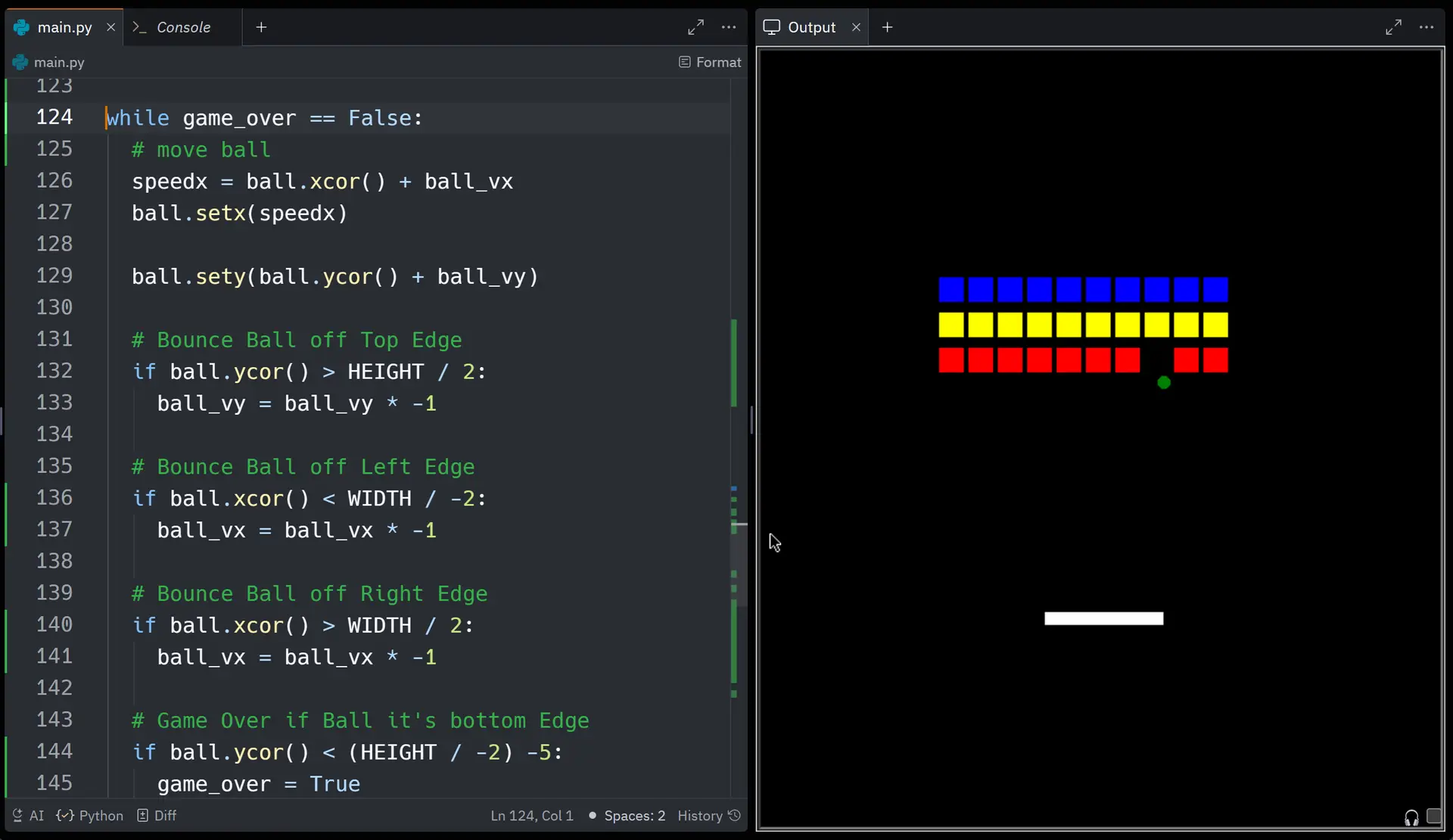
Students learn Text-Based coding using Python and advanced block-based coding to make mobile apps.

What is Coding Lab Japan?

Coding classes are conducted by Coding Lab Japan.  Coding Lab Japan is run by ex-Microsoft Software Engineers with over 30 years of combined experience.  We focus on teaching the fundamentals of Computer Science, in a fun and exciting way, so kids stay engaged with coding and STEM.  Our backgrounds are in Computer Science, Mathematics, Education, and the Creative Arts.

Age 5-6

Who Can Join?

Age 5-6

All coding levels, Beginner to Advanced, can join. Each term students do all new projects and activities, so students can join multiple terms.

Class information

  • Day/Time: Wednesday 15:15 - 16:15
  • Term 1 (9 Lessons): Sep 2, 9, 16, 30, Oct 7, 21, 28, Nov 11, 18
  • Term 2 (12 Lessons): Dec 2, 9, Jan 6, 13, 20, 27, Feb 3, 10, 17, 24, Mar 3, 10
  • Term 3 (10 Lessons): Apr 7, 14, 21, 28, May 12, 19, 26, Jun 2, 9, 16

Class Objectives

  • Develop foundational computational thinking and problem-solving skills.
  • Explore programming concepts through Scratch Junior and educational robots.
  • Enhance creativity and logical thinking with fun, hands-on activities.
  • Build confidence in understanding and using technology at an early age.
  • Have fun!

Age 7-9, Age 10+

Who Can Join?

Age 7-9 & Ages 10+

All coding levels, Beginner to Advanced, can join. Each term students do all new projects and activities, so students can join multiple terms.

Class information

  • Day/Time: Monday 15:15 - 16:15
  • Term 1 (9 Lessons): Aug 31, Sep 7, 14, 28, Oct 5, 19, 26, Nov 9, 16
  • Term 2 (10 Lessons): Nov 30, Dec 7, Jan 18, 25, Feb 1, 8, 15, 22, Mar 1, 8
  • Term 3 (9 Lessons): Apr 5, 12, 19, 26, May 10, 17, 24, Jun, 7, 14

Class Objectives

  • Build a foundation of computer science fundamentals.
  • Get kids excited about coding, technology, and STEM.
  • Build computational thinking and problem-solving skills.
  • Learn what algorithms are and use them.
  • Hands on experience programming hardware devices.
  • Build confidence with computers and technology.
  • Have fun!

micro:bit icon

What is Micro:bit?

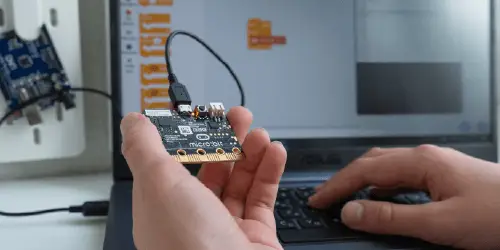
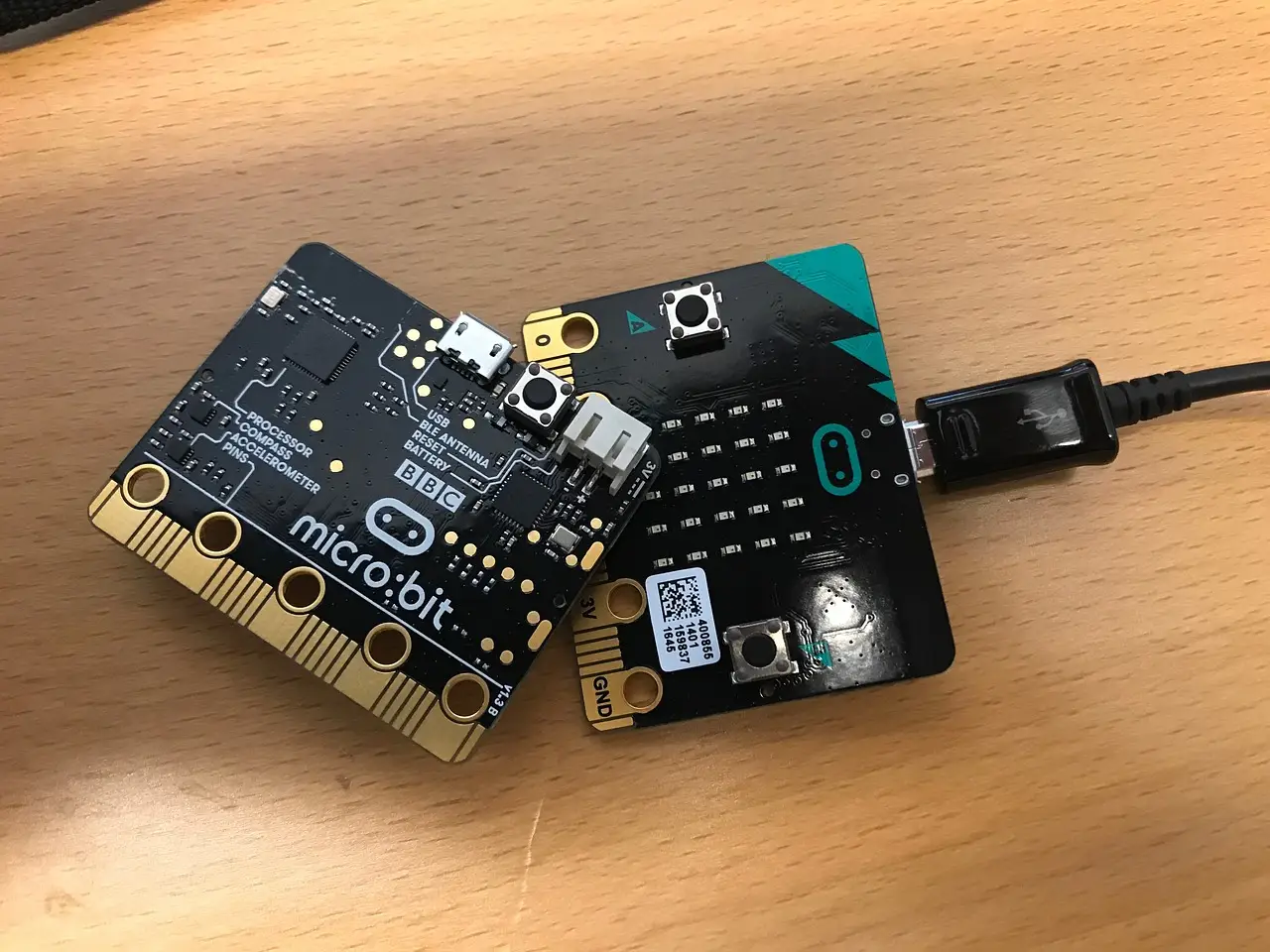
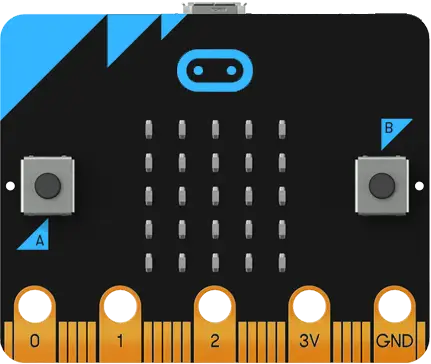
A micro:bit is a microcontroller that kids can program. The micro:bit has buttons, LEDs, and built-in sensors. Additional external sensors and devices can be attached to it. Kids can make games directly on the micro:bit, program the micro:bit to work as a game controller for Scratch, and much more.
Project Examples for Ages 7-9

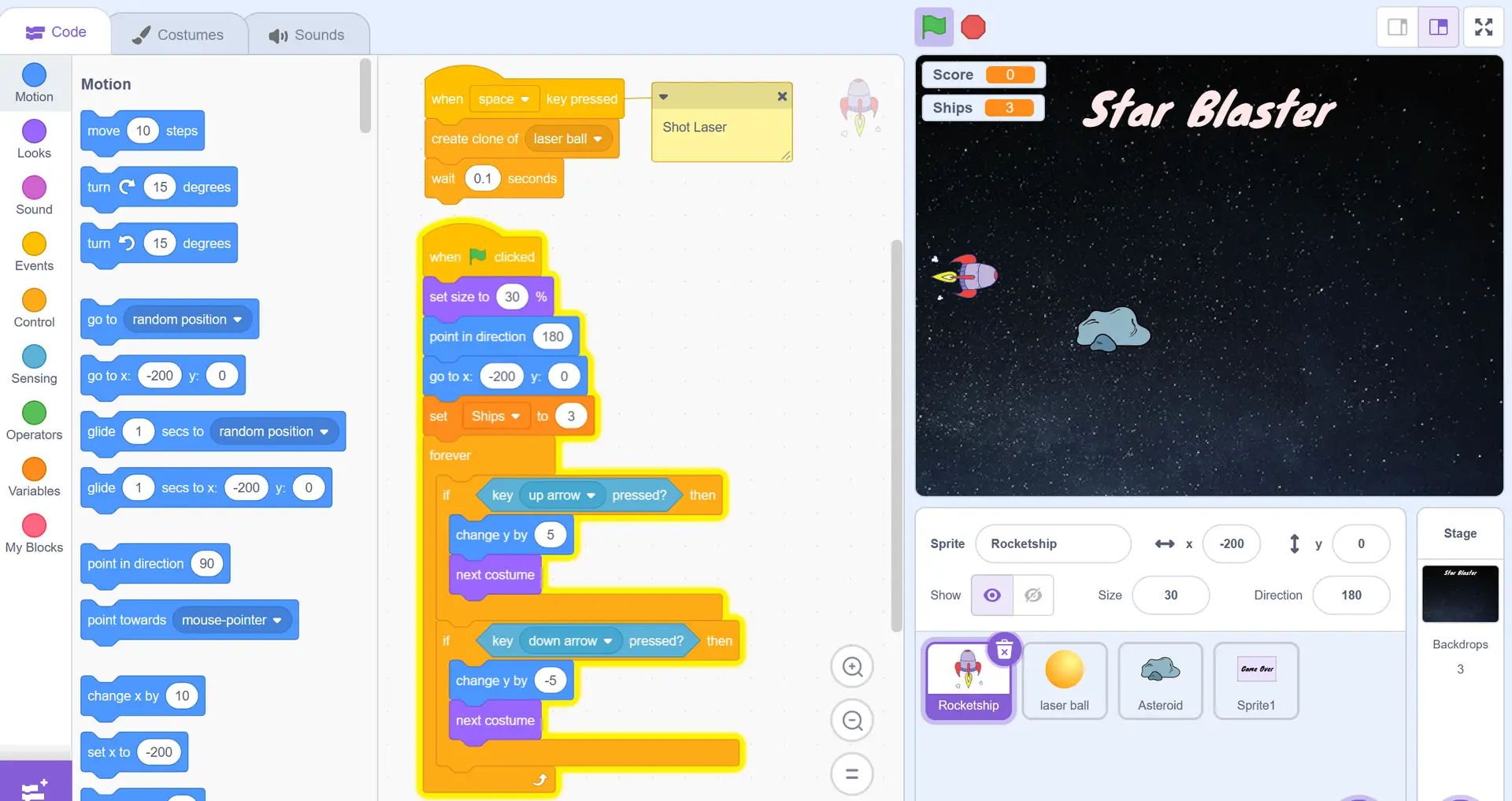
Here’s an example of a game that kids make in class. Game on the right is playable! 
Project Examples for Ages 10+

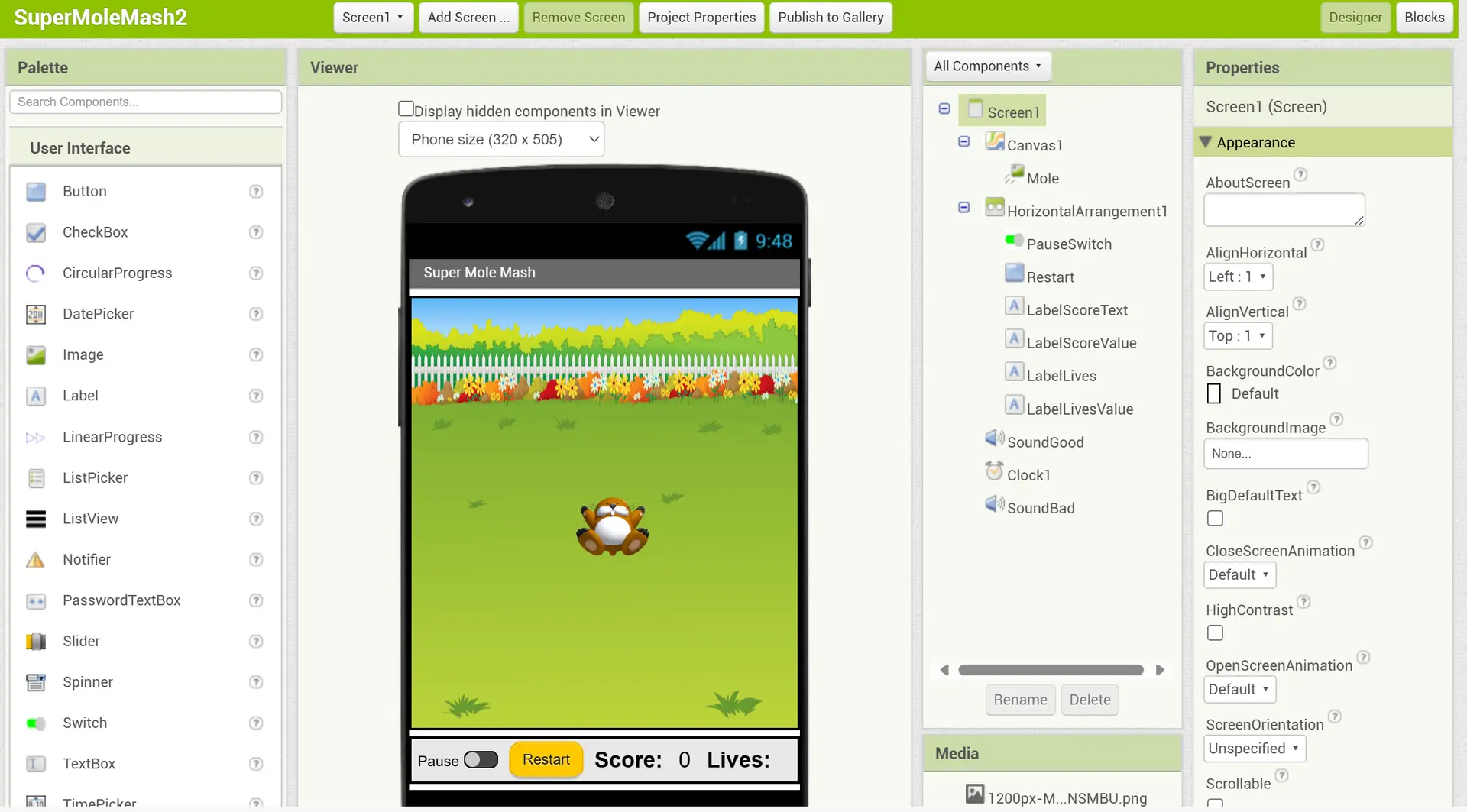
Mobile App Coding (App Inventor) 

Whether your child wants to learn the fundamentals of coding or become a programmer, the benefits of logical reasoning, factual analysis, and critical thinking will provide a strong foundation to rely on at school and in the workplace, for life.

Price List

Age 5-6

Full Year (31 classes)

¥161,200 ¥153,140

Term 1 (9 classes)

Sep 2, 9, 16, 30, Oct 7, 21, 28, Nov 11, 18
¥46,800

Term 2 (12 classes)

Dec 2, 9, Jan 6, 13, 20, 27, Feb 3, 10, 17, 24, Mar 3, 10
¥62,400

Term 3 (10 classes)

Apr 7, 14, 21, 28, May 12, 19, Jun 2, 9, 16, 23
¥52,000

Age 7-9, Age 10+

Full Year (28 classes)

¥145,600 ¥138,320

Term 1 ( 9 classes)

Aug 31, Sep 7, 14, 28, Oct 5, 19, 26, Nov 9, 16
¥46,800

Term 2 (10 classes)

Nov 30, Dec 7, Jan 18, 25, Feb 1, 8, 15, 22, Mar 1, 8
¥52,000

Term 3 (9 classes)

Apr 5, 12, 19, 26, May 10, 17, 24, Jun 7, 14
¥46,800

Take-home micro:bit

Continue coding and creating at home with your own micro:bit.
+ ¥3,000

excluding tax

Order / Reservation

How to book

  1. Please select payment option,  add to cart and checkout to make a reservation. (Account creation is required)
  2. After receive an email, please deposit fee.
Bank Name楽天銀行 (0036) | ラクテン | Rakuten Bank (0036)
Branch Name (#)第二営業支店(252)| ダイニエイギョウシテン | daini eigyo (252)
Account Info普 7590666 | Saving 7590666
Account Nameド)インキュレート |  INCURATE LLC
 

*Please pay bank transfer fee and any other handling fees by yourself.